START YOUR JOURNEYCertified Nursing
Certified Nursing
Assistant
Learn the fundamentals of daily care, communication, safety, and practical patient support.
Classroom + hands-on training→
 Mahoney UniversitySCHOOL OF HEALTHCARE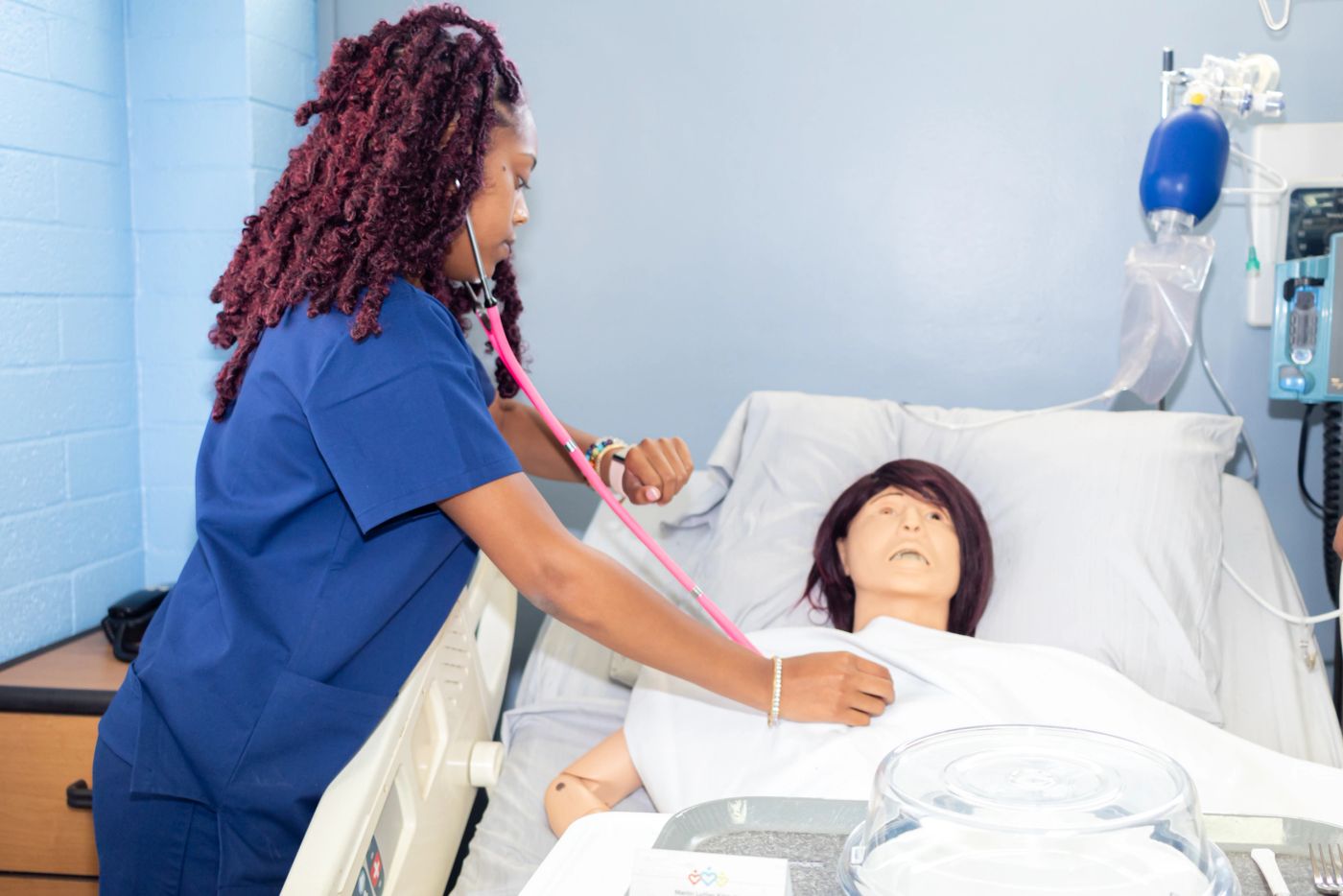
MAHONEY UNIVERSITY · SCHOOL OF HEALTHCARE
Practical skills. Personal support. A place to begin your journey in caring for others.
Care begins
with confidence.
A PURPOSEFUL PLACE TO START
Start with patient-care fundamentals, build on your CNA training, or refresh essential lifesaving skills.
Learn the fundamentals of daily care, communication, safety, and practical patient support.
Expand your skills for care in the home. An active CNA certificate is required for the advertised course.
Explore CPR, AED, and first-aid training, plus the school’s BLS instructor course.
Course descriptions reflect public school information. Confirm current requirements, tuition, and recognition with admissions before enrolling.
YOUR CAMPUS. YOUR NEXT STEP.
Compare campus options without hunting through posts. This preview shows source-based information, not live seat availability.
Weekdays, seats, and final dates need confirmation.
Source: school’s October 8 post →Ask the school for the next class date.
Source: school contact page →October 26 classes have started; future dates are unverified.
Source: school’s September 28 post →A clear price before you commit.
Get current tuition, included supplies, payment dates, and refund terms in writing.
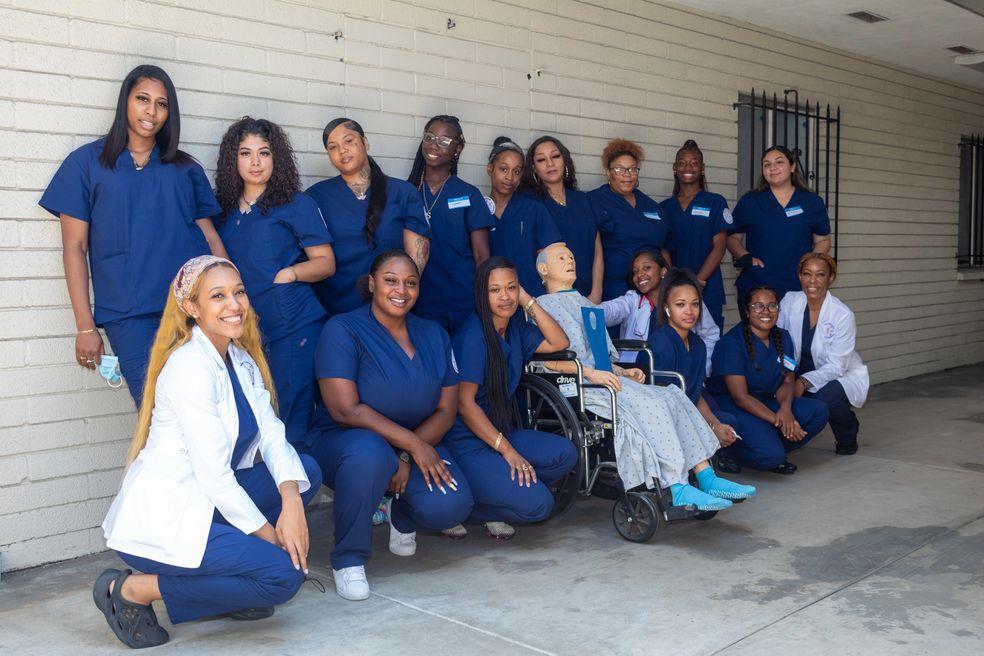 REAL PEOPLE. A SHARED PURPOSE.
FROM INTEREST TO YOUR FIRST DAY
Find a schedule that works with your life, then confirm the next available class.
Review tuition, enrollment terms, and the school’s current document checklist.
Get your confirmed timetable, campus directions, and class resource links together.
YOUR LEARNING, TOGETHER
Lessons, assignments, private feedback, and course announcements, organized around your class.
Try the working portal with sample classes and invented accounts.
Read lessons, submit work, take sample quizzes, and view your own published grades.
Open student portalPublish resources and assignments, enter paper-test grades, and keep each class organized.
Instructor & admin preview →GOOD QUESTIONS. CLEAR ANSWERS.
Clear expectations make a confident first day.
The website advertises five to six weeks across different pages. The November 10 Compton flyer advertises five weeks. Confirm the duration and required attendance for your specific cohort.
The school has advertised morning, evening, and weekend cohorts. These options vary by campus and intake. Ask admissions for the actual class and clinical schedule before committing.
Ask for one written total covering tuition, books, uniform, testing, CPR, Live Scan, physical and TB requirements. The current public sources do not consistently establish all included fees.
Public pages contain conflicting deposit and refund terms, while a more recent flyer advertises a $300 deposit. Get an approved, dated enrollment agreement rather than relying on this preview.
Not automatically. Start with the existing tools, then decide with instructors whether lessons, practice quizzes, and assignments belong in a school portal. This demo does not connect to or replace Classroom.
YOUR NEXT CHAPTER
ABOUT THIS PREVIEW
Explore school information and photos, then try lessons, assignments and feedback with invented accounts.
The student demo lets you read lessons, submit practice work and try a quiz. Your work is private to your demo session. Instructor and administrator previews let you look around without changing records.
Open the portal →Email, phone notifications, payments and school accounts are not connected. Confirm current classes, tuition and enrollment terms with the school.
Contact the real school ↗ABOUT MAHONEY
A personal approach to learning, with confidence and compassion at its heart.
Meet the people behind Mahoney and the purpose that guides the school’s approach to learning.
Explore classes

OUR MISSION
Prepare students for the start of a healthcare career through quality education and the essential knowledge they need.

OUR VISION
Create a learning experience that builds confidence, professionalism and compassionate care, while welcoming more people from the surrounding community.
WHY MAHONEY
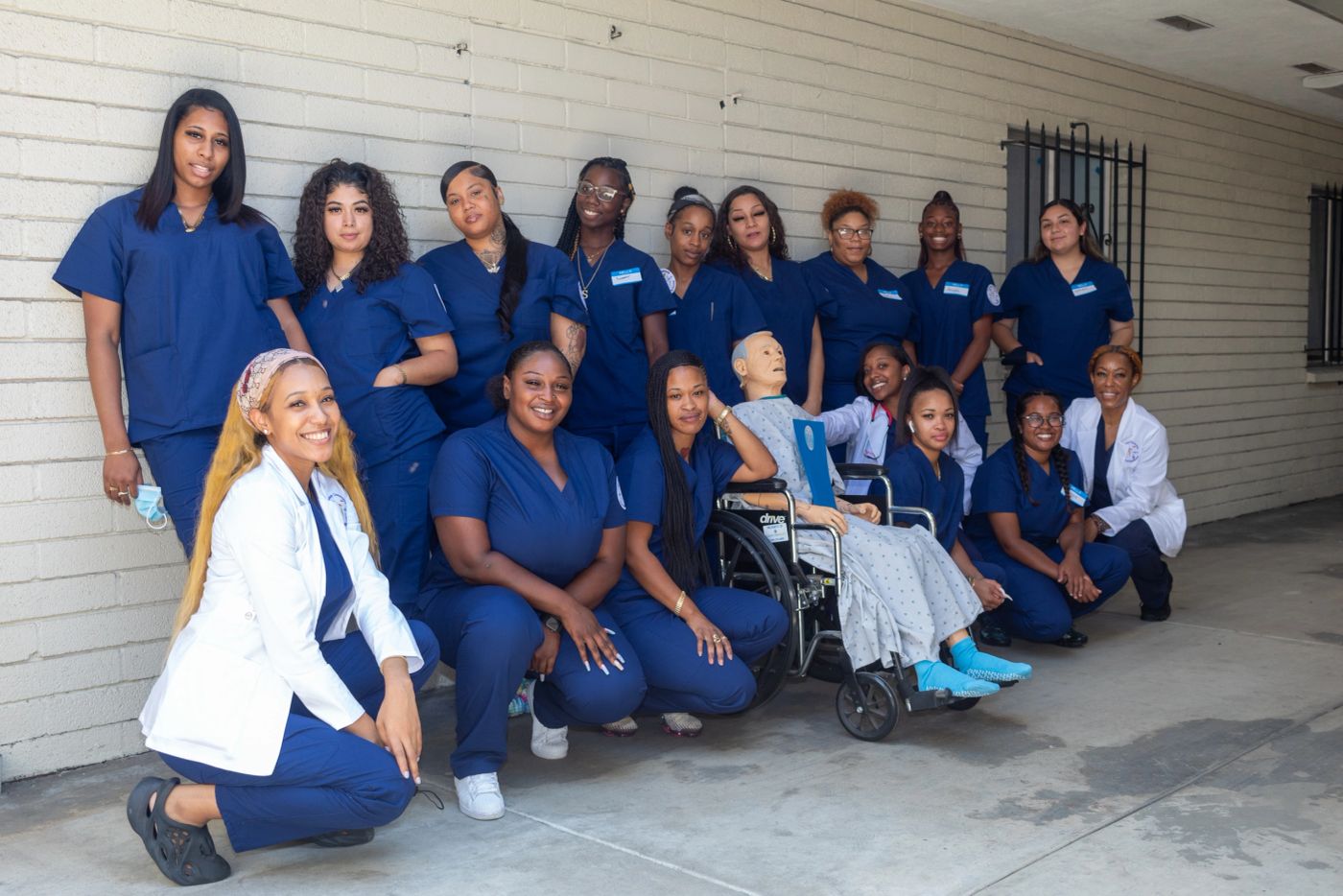
Give students individual attention, help them build practical skills, and encourage them to develop their potential as they prepare for work.
Read the school’s original mission and vision ↗Mission and vision summarized from the school’s About page.
Meet the spaces, people and shared moments behind the school.
PROGRAMS
Explore the school’s publicly listed courses. Confirm the current syllabus, entry requirements, tuition and schedule before committing.
Patient-care fundamentals, gathering basic medical information, supporting daily activities, and maintaining a clean, safe care environment.
The website advertises a five-week option; other school pages describe five to six weeks. Confirm required hours, clinical arrangements and attendance for the specific class.
Explore CNA class options →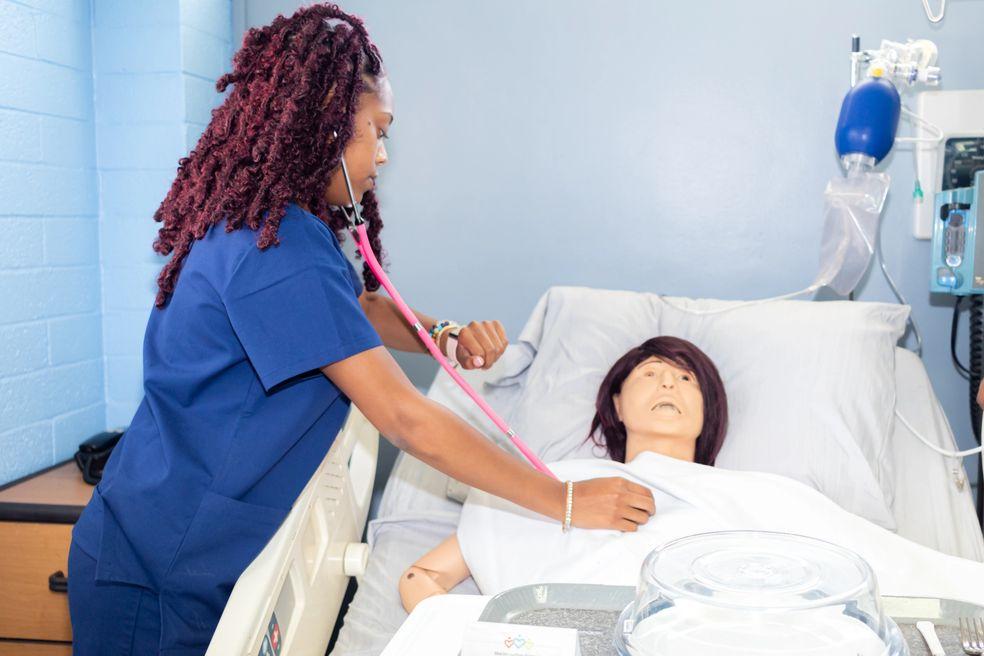
A course for active CNAs interested in supporting people in home-care settings. The school lists 40 hours: 20 classroom hours and 20 supervised clinical hours.
Ask admissions to confirm current eligibility, clinical arrangements, certification steps and the next available intake.
Website prices and newer promotional posts differ. Ask for dated tuition, included supplies, fees, payment terms and refund conditions in writing.
The school lists these courses and describes its CPR training as American Heart Association training. Confirm the course type, instructor, completion card and current session details with the school.
A separate instructor-training offering is also listed. Confirm prerequisites, training-center alignment and the current equipment/materials package before purchase.
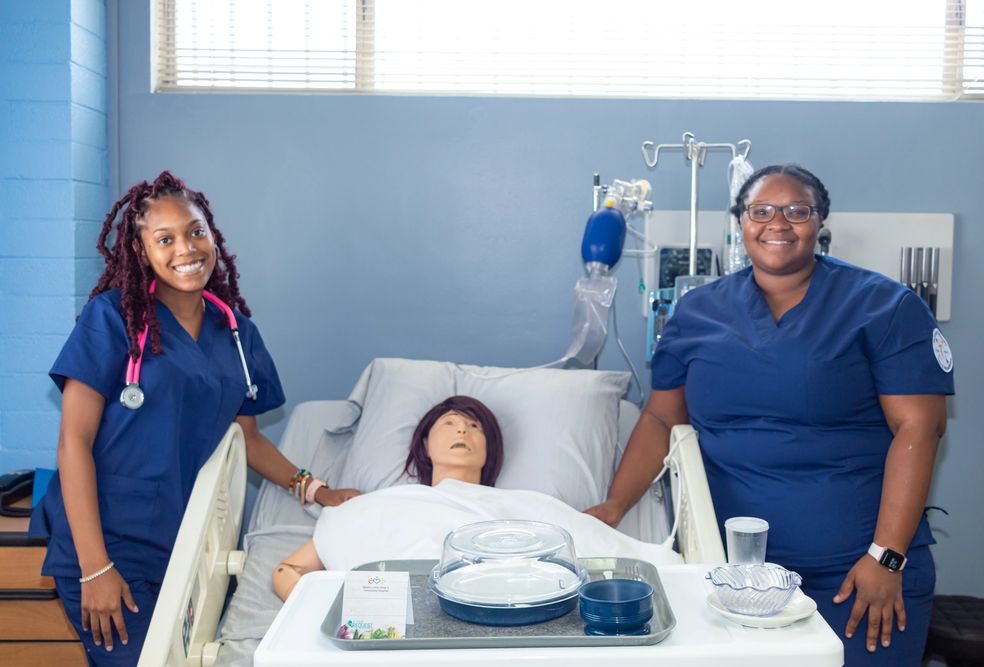
Descriptions summarized from the official programs page. These summaries are not a current enrollment agreement or independent certification verification.
CAMPUSES
Check the location for your specific class and clinical sessions. Never assume a social-media post confirms your classroom address.
Listed on the school’s contact page. Confirm arrival instructions and the teaching location for your class.
Listed on the school’s contact page. Current intake dates and clinical locations need confirmation.
The school advertises Inglewood cohorts on Instagram. No verified street address is presented in this proposal.
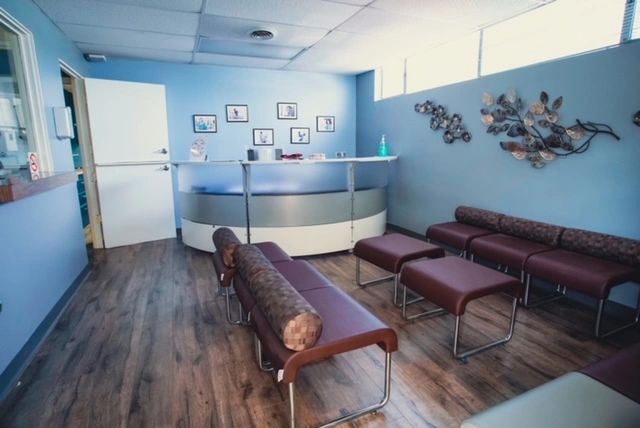
The live website should provide approved parking, accessibility and arrival instructions for each class location.
Photo from the school’s public website; the exact campus pictured has not been independently identified.
Verify with the current school contact page →SCHOOL LIFE
Explore the school’s classrooms, hands-on practice and celebrations. Select a photo for a closer look.
A LOOK INSIDE
A short film from the school’s website.
Video hosted by Vimeo.
School photos and film from mahoneyuniversity.com. Unofficial demo; school approval is needed for official use.
FAQ & CONTACT
Know who to ask, what to confirm, and what happens next. Explore common questions or test the sample inquiry form below. Use invented details and an example.test email address only.
Confirm campus, teaching days, clinical schedule, attendance requirements and available seats with admissions.
Request one current written quote and enrollment agreement. Confirm deposits, included materials, examination fees, payment dates, cancellation and refund terms.
Each new group may have its own Google Classroom. Use the course invitation issued by your instructor, not a link meant for another cohort.
No. This demo accepts no documents or real personal details. Only use the school’s approved secure process.
No. This is a unofficial design proposal. Dates, prices, staff profiles and course requirements need school approval before launch.
SCHOOL INFORMATION
These notes come from the demo administrator's settings. Historical source descriptions above remain visible for review. Unapproved notes are not current enrollment terms.
Loading demo settings…
TRY THE WORKFLOW
This is a synthetic test form. Use invented details and an email ending in @example.test. The inquiry is saved in this development database and visible to the demo school administrator. No email or message is sent.
Do not submit real contact information, student records, identity or health documents, Social Security numbers, or payment information.
For an actual school inquiry, use the official contact page →.
Start a private student demo before saving a synthetic inquiry →